
\[ \]
\[ \]
\[ \]
Adding Fillets to the Swashplates
Monday 31 August 2026
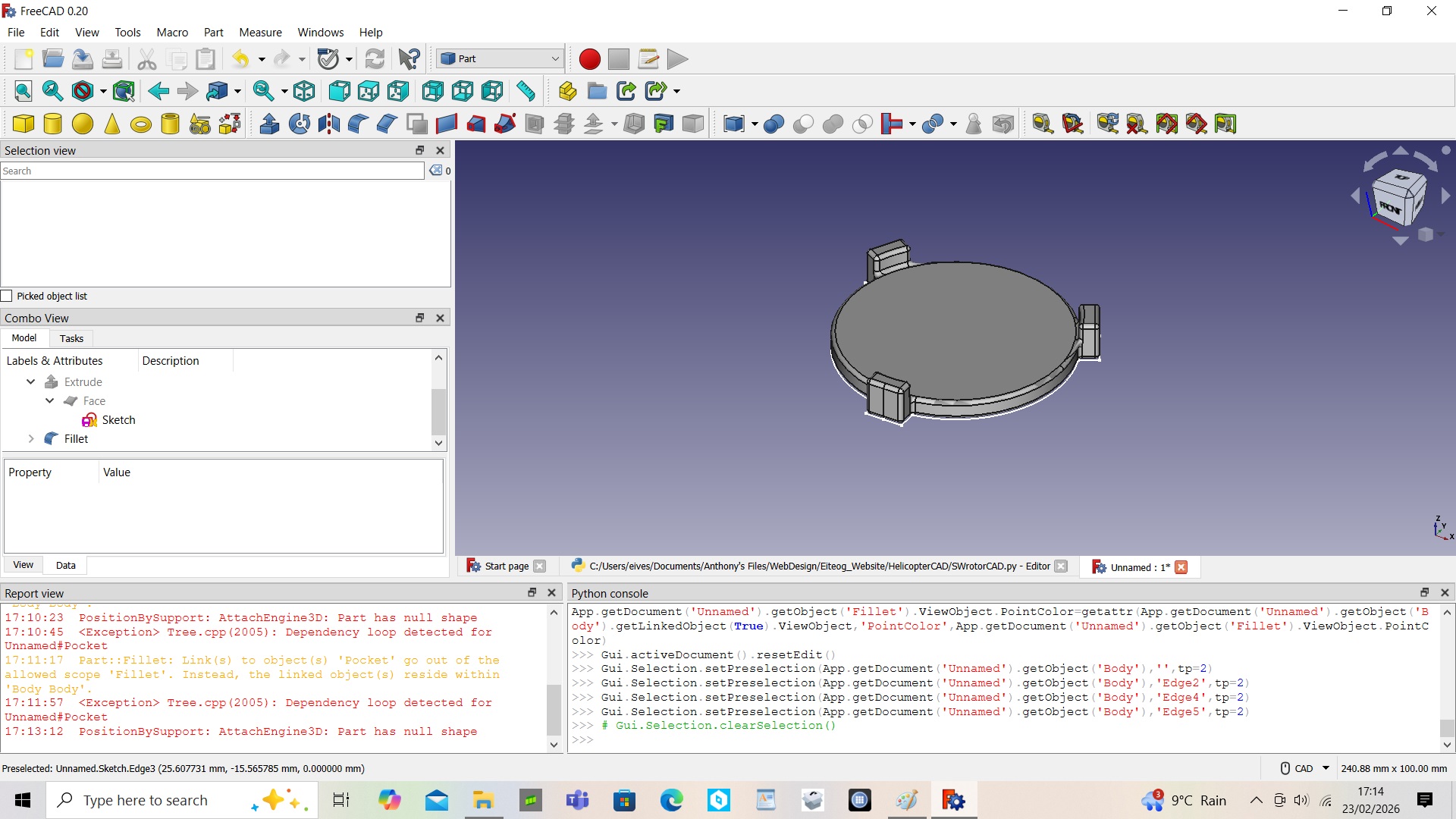
The completed swashplates look very square so to speak. While fillets are not essential for the functionality of the swashplates, square edges make them look amateurish. Adding fillets is rounding the edges and gives the swashplate a more professional and aesthetic appearance. For the use of the fillet function you mainly select the edge you want to apply the fillet to and the edge radius. For both swashplates I tried selecting all the edges at once. That approach worked for the CCPM swashplate but for the conventional swashplate it kept crashing so may need to select a set of edges rather than all at once. The other tool for edges that can be used is chamfering which makes an angled edge, no doubt in FreeCAD as in other CAD packages you can select the angle you want, etc.



Cutting the Centre Material away from the Extruded CCPM Swashplate
Monday 27 July 2026
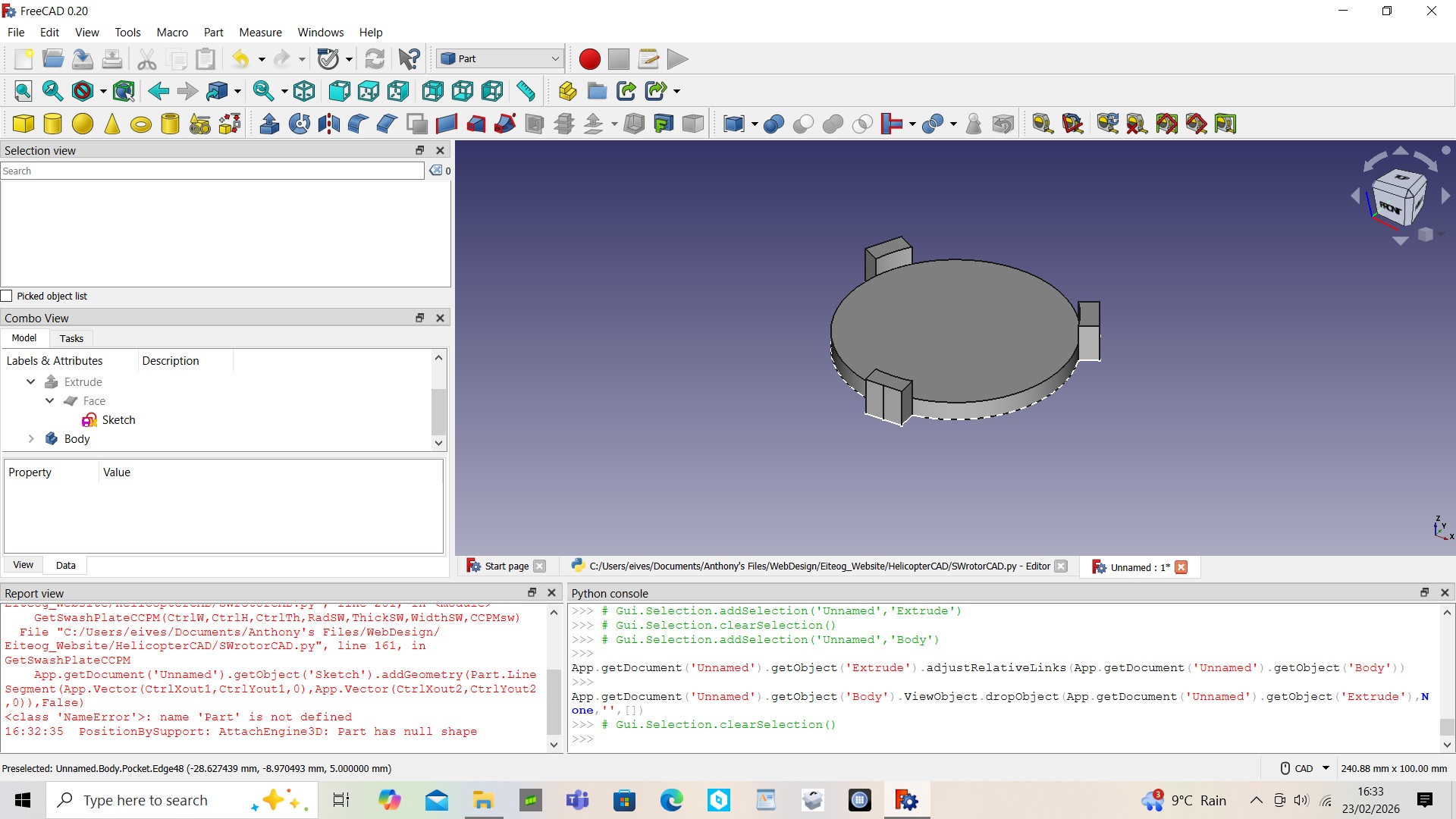
As was done with conventional swashplate, having extruded the swashplate the centre was cut away to leave the lobes for attaching the control links to. As before the pocket feature is used to essentially remove a cylinder volume from the extruded swashplate using a simple circle sketch. As explained previously the pocket feature uses a sketch on the surface of solid volume that you wamt to cut into. As also mentioned previously the pocket feature can use more elaborate ways to cut like tapering your cut, etc however, for both swashplates a simple straight parallel cut was used.
Extruding the CCPM Swashplate Sketch
Monday 29 June 2026
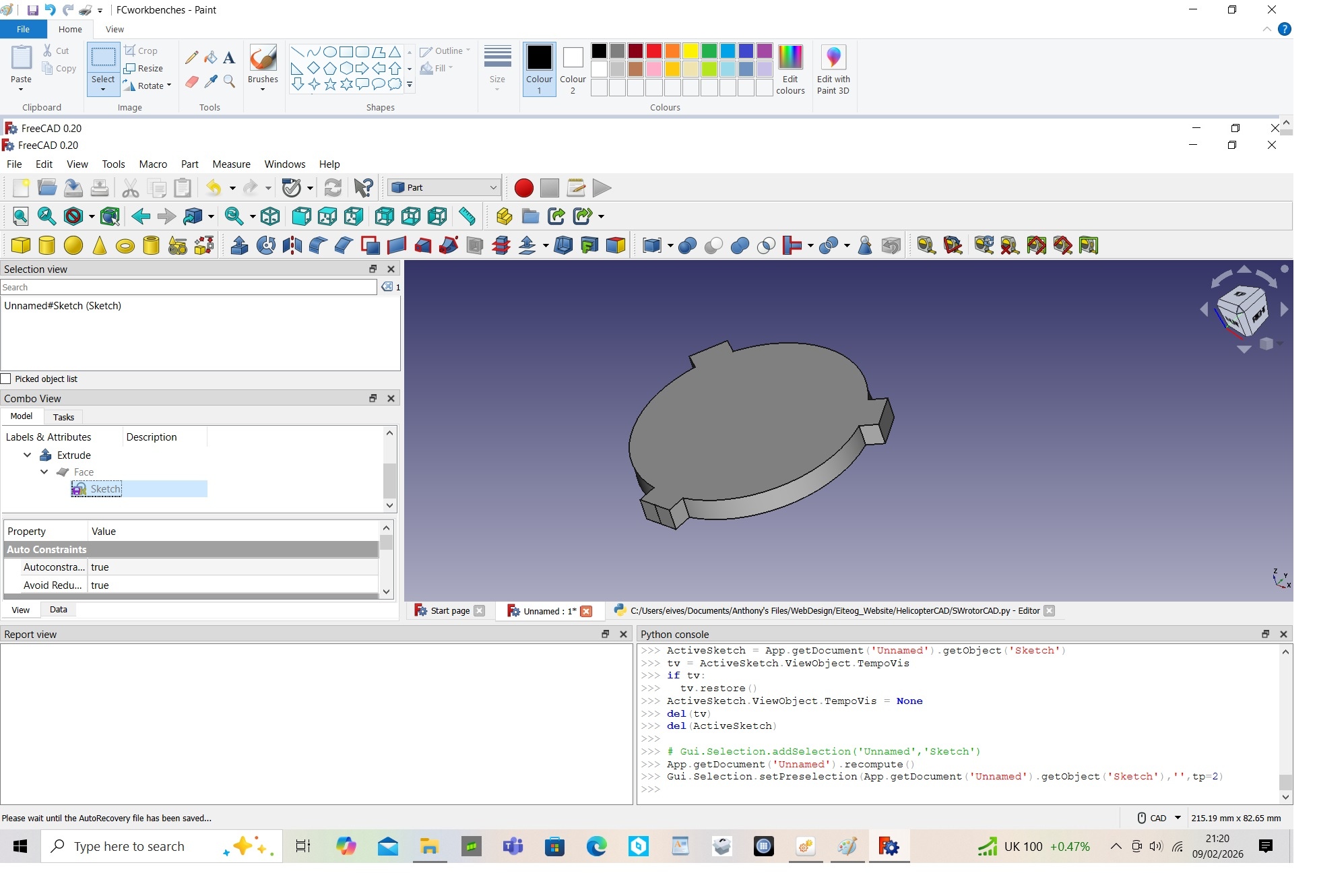
The next step of extruding the CCPM swashplate is almost identical to what was done with the conventional swashplate. As before in order to get a solid 3D part from a sketch there is a number of operations you can do such as revolve, extrude, etc. The most appropriate operation again is to create the CCPM swashplate from the sketch using the extrude operation.
Monday 25 May 2026
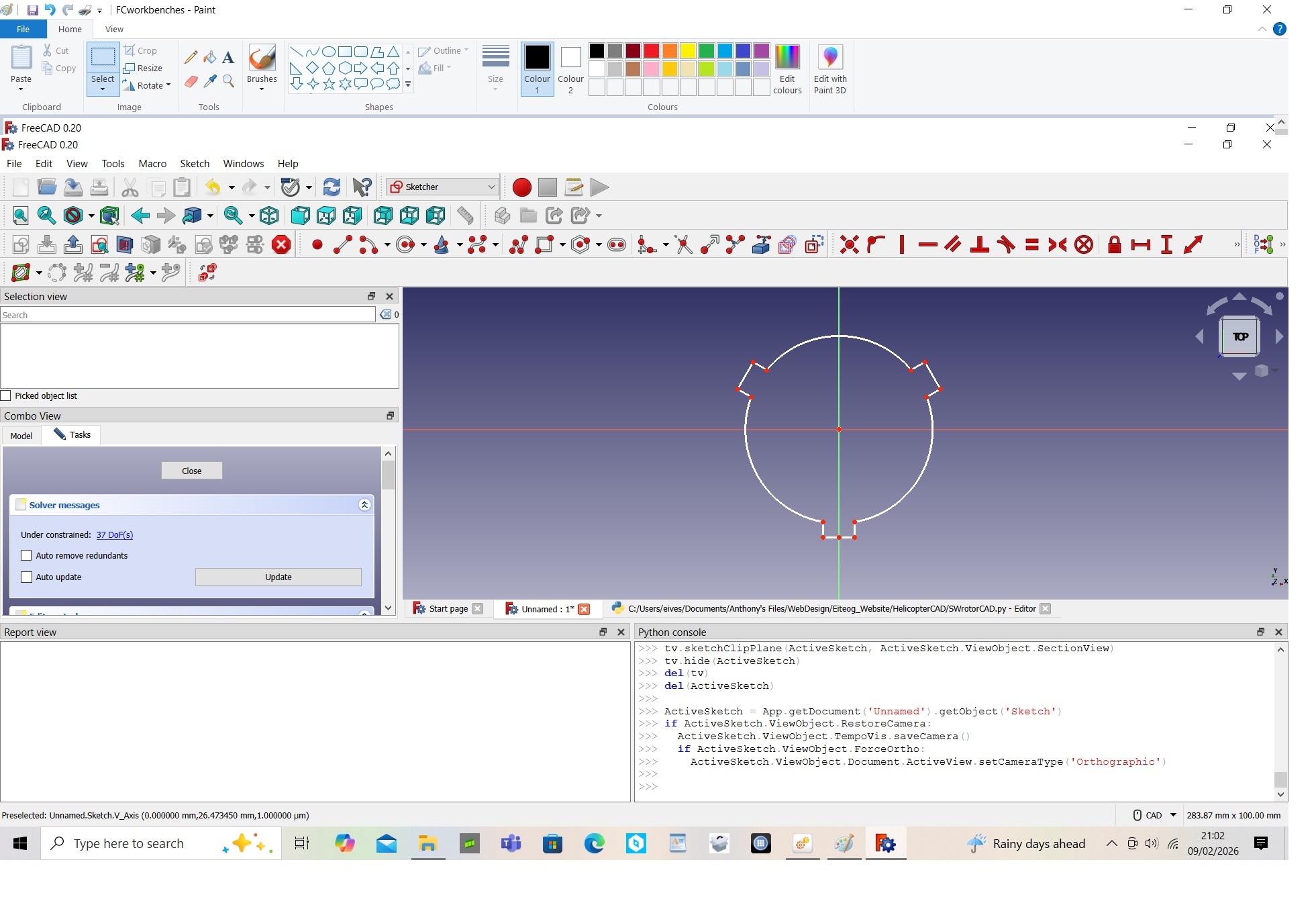
The CCPM swashplate differs from the conventional swashplate in that it only needs three attachment points. The attachment points are the control links from the three servos. The advantage of this swashplate configuration is that you have a simpler layout as you use a computerised mixing system to decide which servos should move to pitch, roll, lower or raise the swashplate. As before I am going to keep things straightforward by using a circular base with three attachment points at each 120 degrees position around the circle. As planned I have used this to create a python marco to automatically size the swashplate dimensions.
Cutting the Centre Material away from the Extruded Swashplate
Monday 27 April 2026
Having extruded the swashplate you now want to cut away the cemtre area to leave the lobes for attaching the control links to. This is done using the pocket feature. The pocket feature uses a sketch on the surface of solid volume that you wamt to cut into. The pocket feature in its most basic form uses a depth which is specified however, there are more elaborate ways to cut like tapering your cut, etc. The sketch is drawn for the shape of the pocket that want to create. For the swashplate a simple circle is used based on that of the swashplate base and the cut is simply a depth so you are essentially removing a cylinder volume from the extruded swashplate.
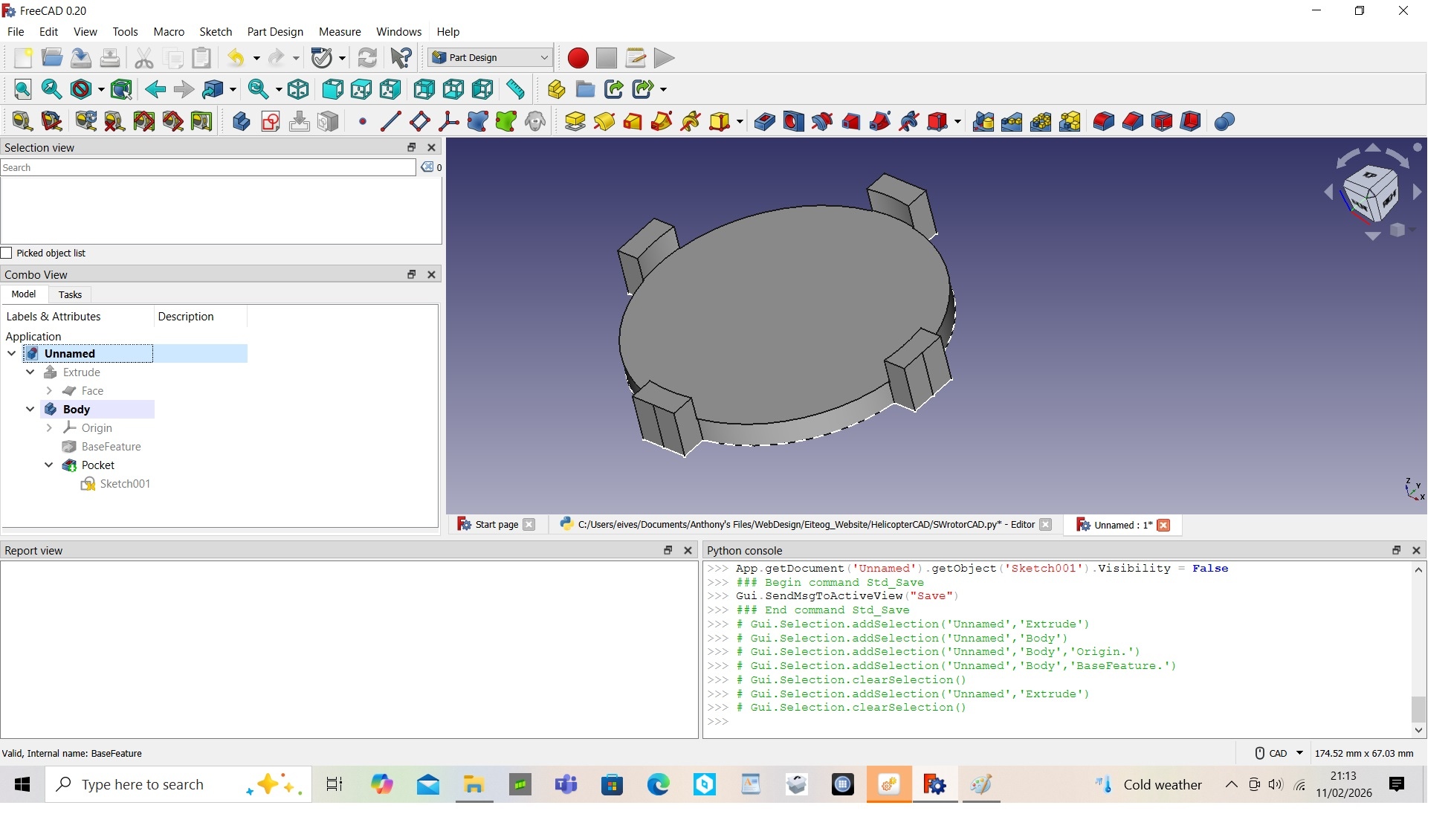
Extruding the Swashplate from the Sketch
Monday 13 April 2026
In order to get a solid 3D part from a sketch there is a number of operations you can do such as revolve, extrude, etc. These operations are universal to all CAD packages. I cannot think of a CAD package that does them differently. The most appropriate operation I thought to use for the swashplate was to create the swashplate from the sketch using the extrude operation.
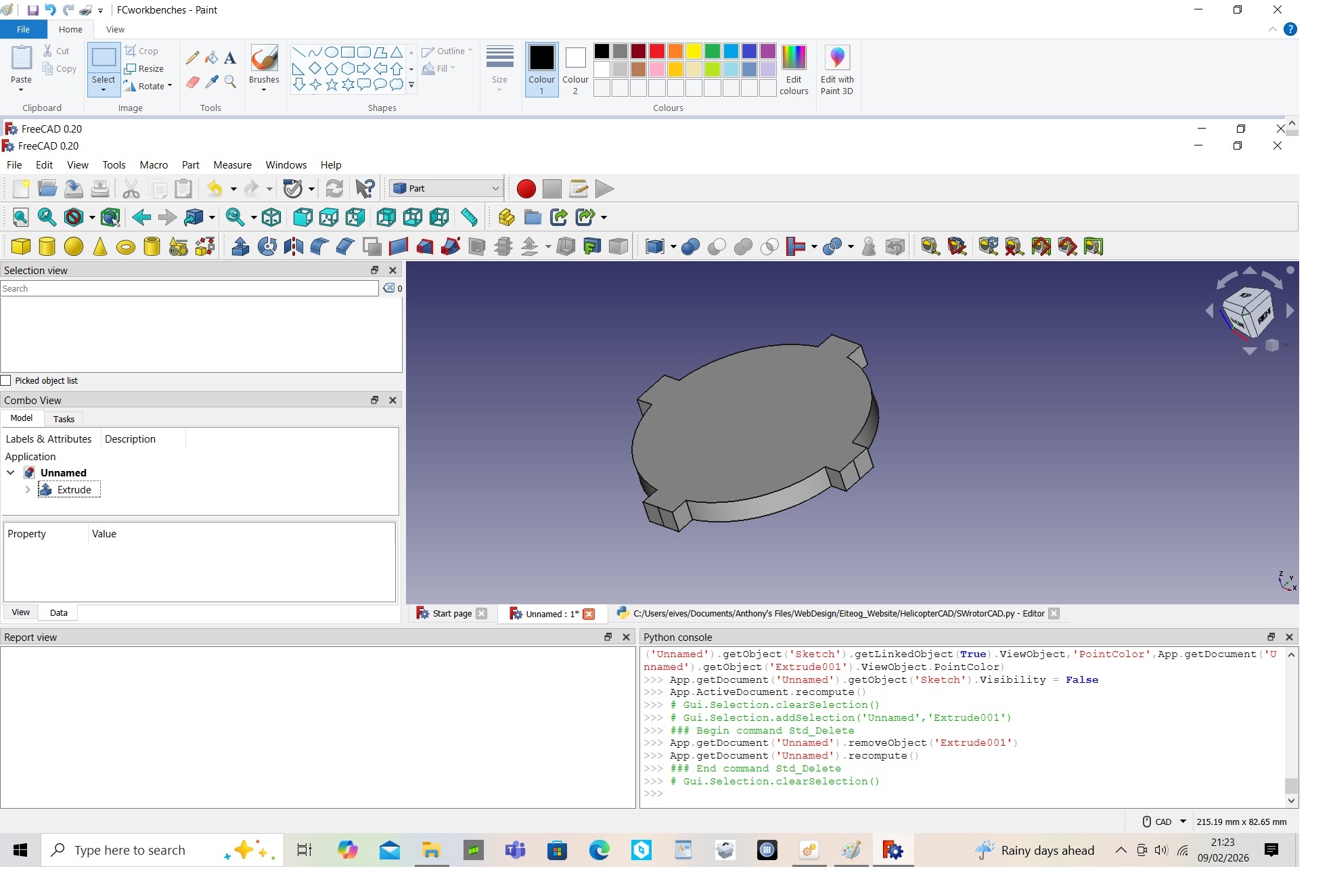
Monday 23 March 2026
I have been having a go at creating a helicopter swahplate. So I am starting with non rotating part of the swashplate. Which I am going to keep straightforward by using a circular base with four attachment points at each 90 degrees position around the circle. The attachment points are the control links from servos. This swashplate is used in RC helicopters with dedicated pitch and roll servos directly equivalent to fixed wing aileron and elevator servos. The advantage of this swashplate configuration is you do not need any mixing or computerised systems as is needed with the CCPM swashplate. As planned I have used this to create a python marco to automatically size my swashplate dimensions. I will be looking at creating a CCPM swashplate in the future.
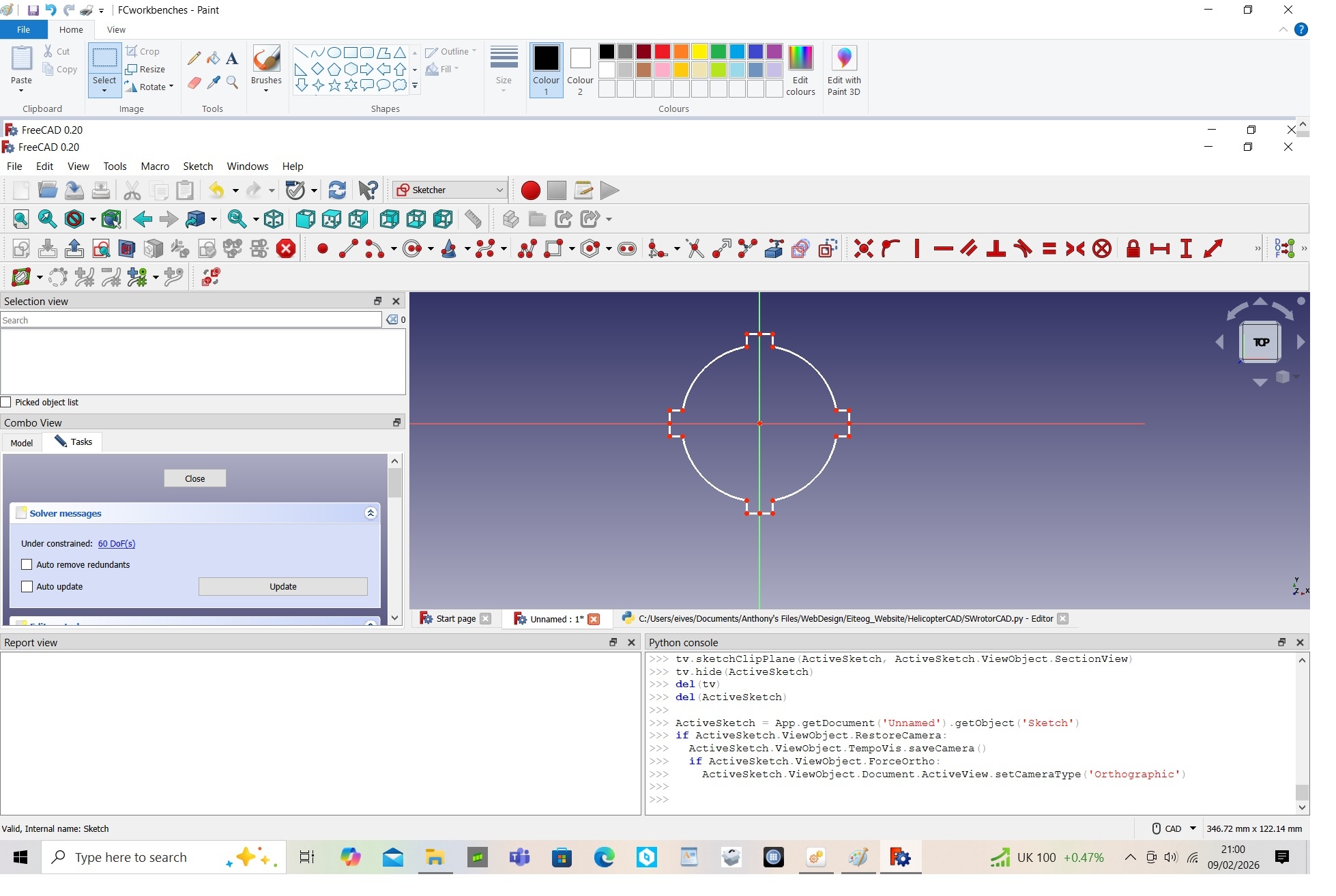
Monday 9 March 2026
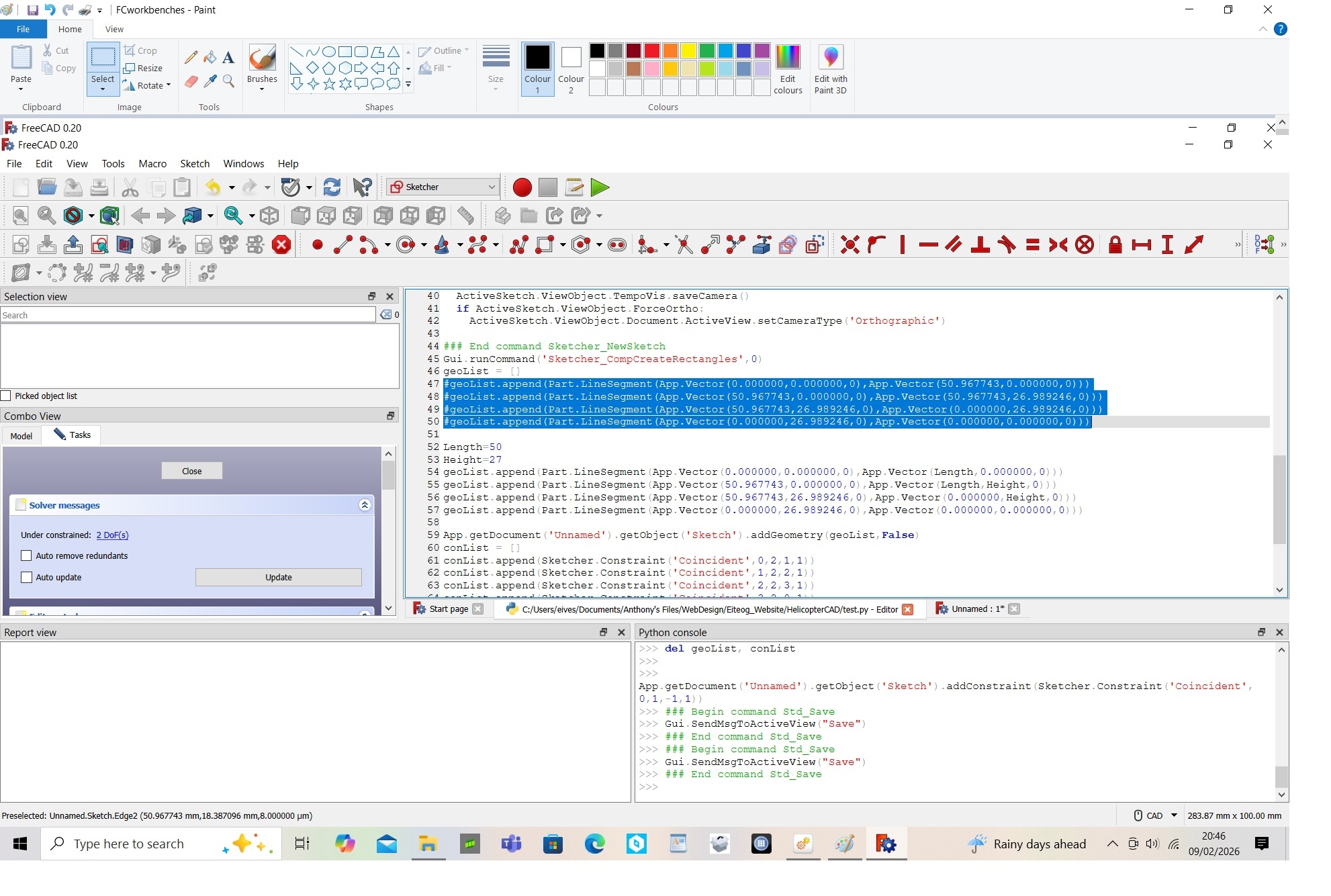
One of the features I really like about FreeCAD is that you can write macros to automatically create the CAD models you want. If you have the python console panel active then for every operation you do in FreeCAD it will generate the required python commands in the python console. In the pictures I have used the simple example of creating a rectangular sketch to generate the required python commands. Then I copied that code into a file modfying to create a marco that can be used to automatically create a rectangular sketch of any size. Based on this principle, I hope build of series of marcos that automatically build all my helicopter parts to size that I want. A while back I started building a macro to generate the CAD model for rotor blades or wings however, only got as far as the cross-sectional of the blade or airfoil profile, see https://www.eiteog.com/EiteogCALCULATORS/RotorCAD.html . I am going to have a go at building the CAD models of the rotor system first and then return to rotor blades later.
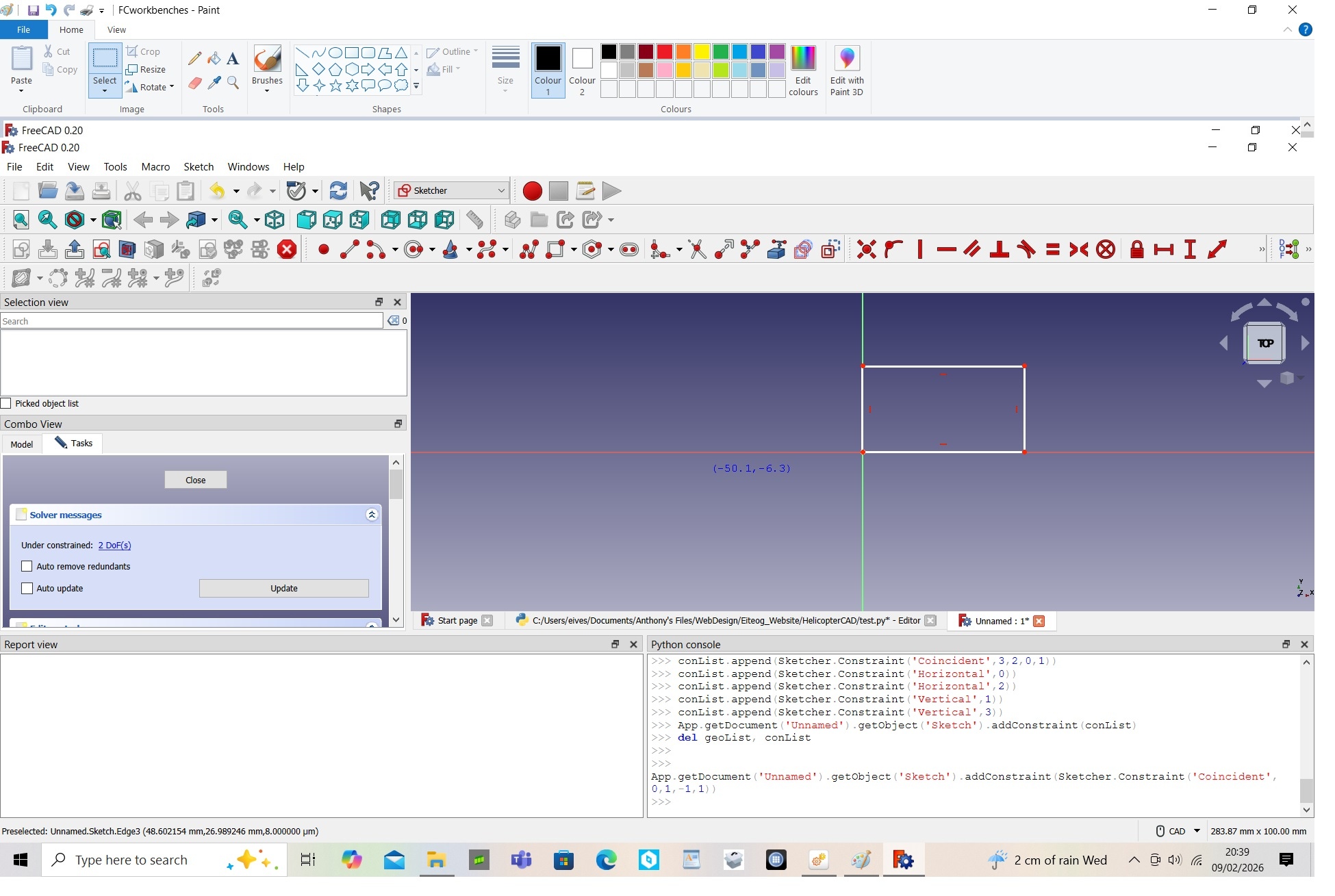
Monday 23 February 2026
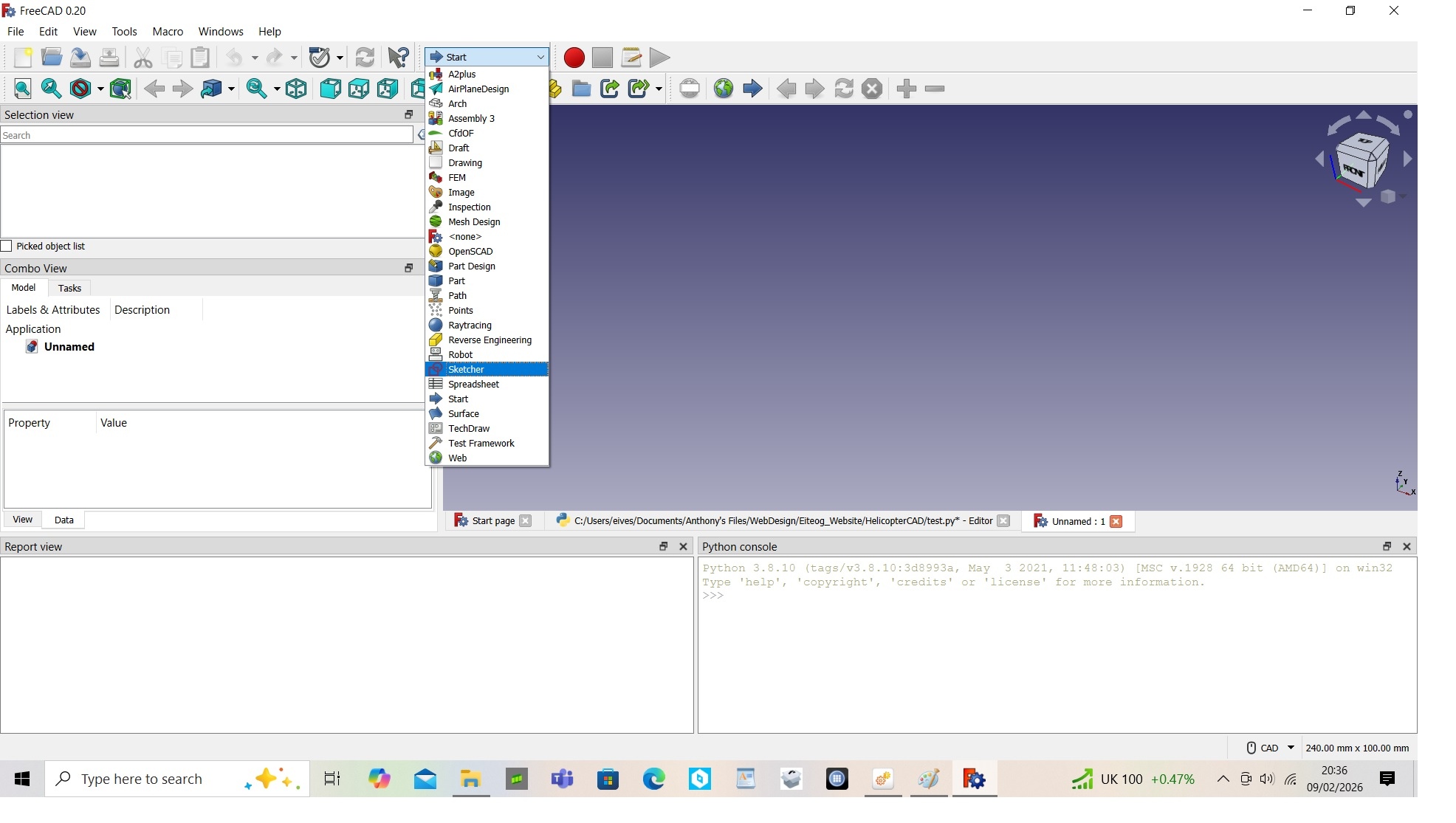
Workbenches are common to most 3D CAD packages. The photo below shows the typical workbenches that are available on FreeCAD. The Sketcher, Part and Part Design are standard workbenches on FreeCAD but are also common to other 3D CAD packages such as CATIA. The Sketcher, Part and Part Design workbenches are what I will be using the most of intially as they are the ones that are primarily used to build your 3D CAD parts. An assembly workbench is another I will use. FreeCAD does not have a standard assembly workbench hence it is an add on. There are lots of add on workbenches developed by 3rd parties apart from the assembly workbenches there are ones available for Openfoam CFD, aircraft design, boat design, etc. I am hoping to create an add on workbench for RC helicopters using python marcos I have created building my RC helicopter parts. Strangely FreeeCAD has standard FEM workbench which can be used to do stress analysis on your CAD parts, its something I might look into in the future as I become more experenced using FreeCAD.
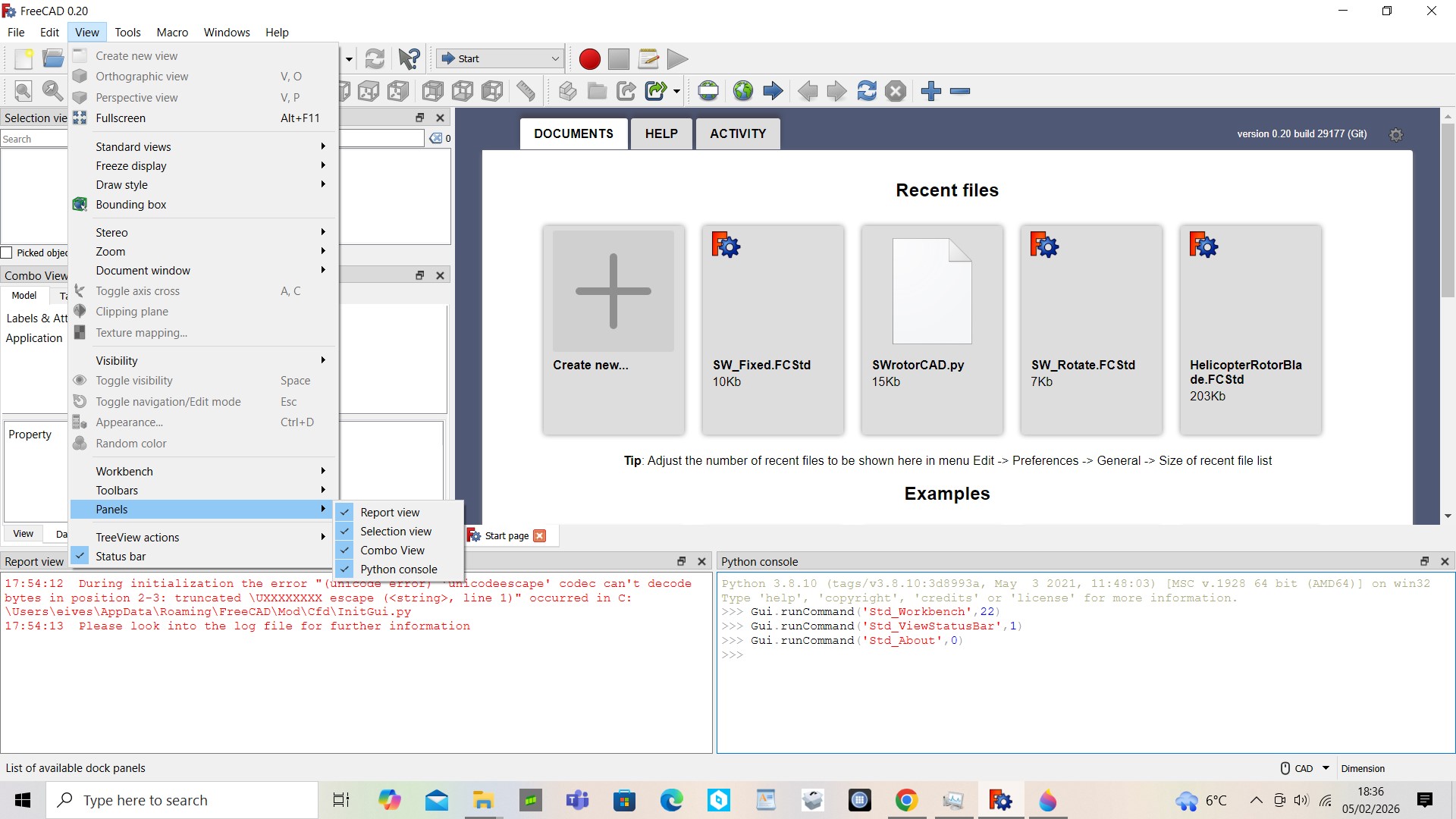
Panels on the FreeCAD start page
Monday 16 February 2026
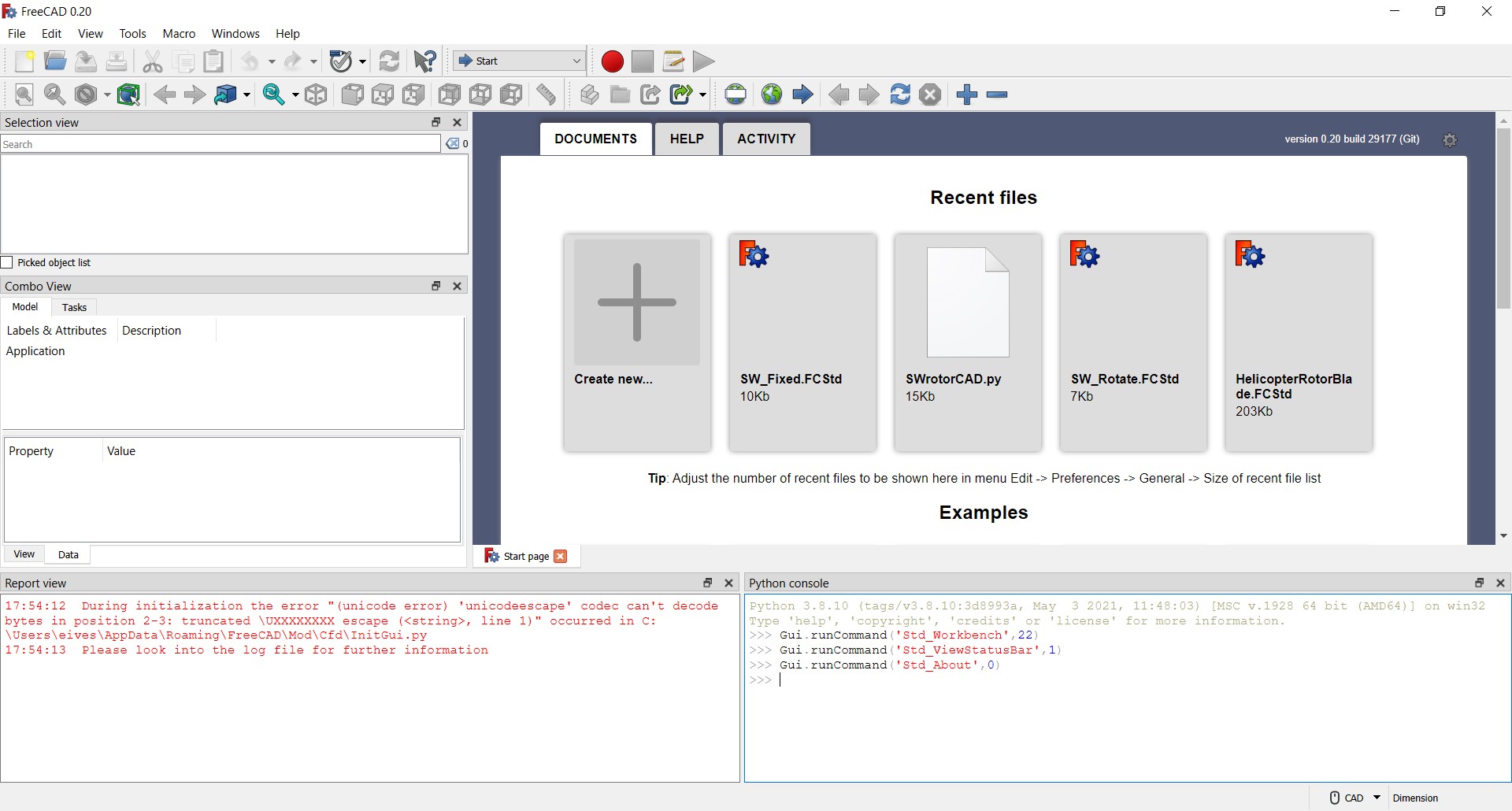
The FreeCAD start page generally has a number of panels. You can select which ones are visible from 'Panels' in the 'View' menu. There are four panels on the version of FreeCAD that I am currently using. The 'Selection' panel allows you to see what attributes are selected. The 'Report' view allows you see any errors, etc that have happened with operations that you are doing. The 'Combo' view is important its gives a lot of information on your model attributes, etc. The 'Python Console' is one I think is the most powerful one as everytime an operation is executeded in FreeCAD it generates a bit of python code. You can and I will be using this code to create marcos which will allow CAD models to be generated automatically from a series of design parameters, I hope to demonstrate this with a simple example in the next post.
Monday 9 February 2026
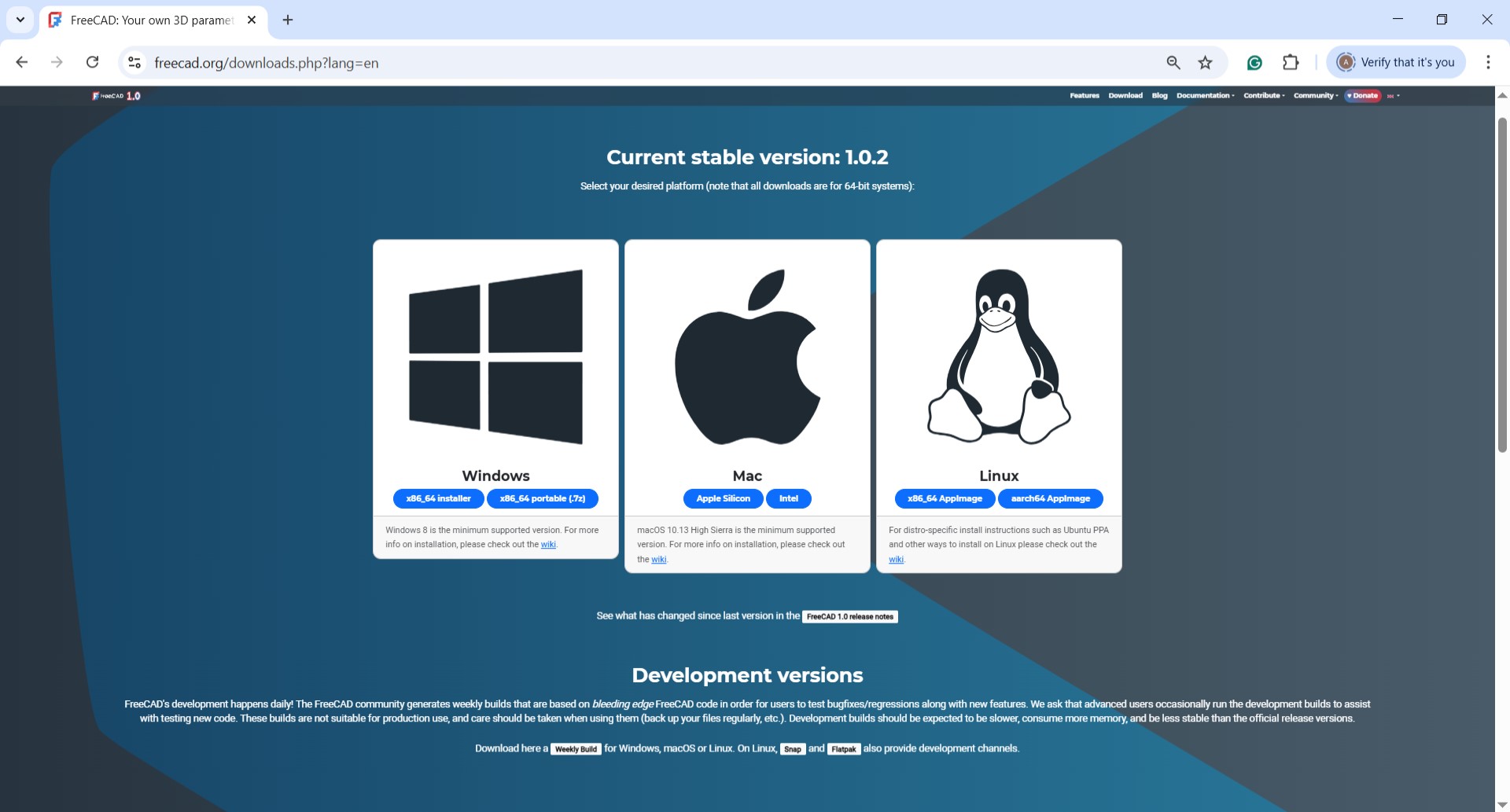
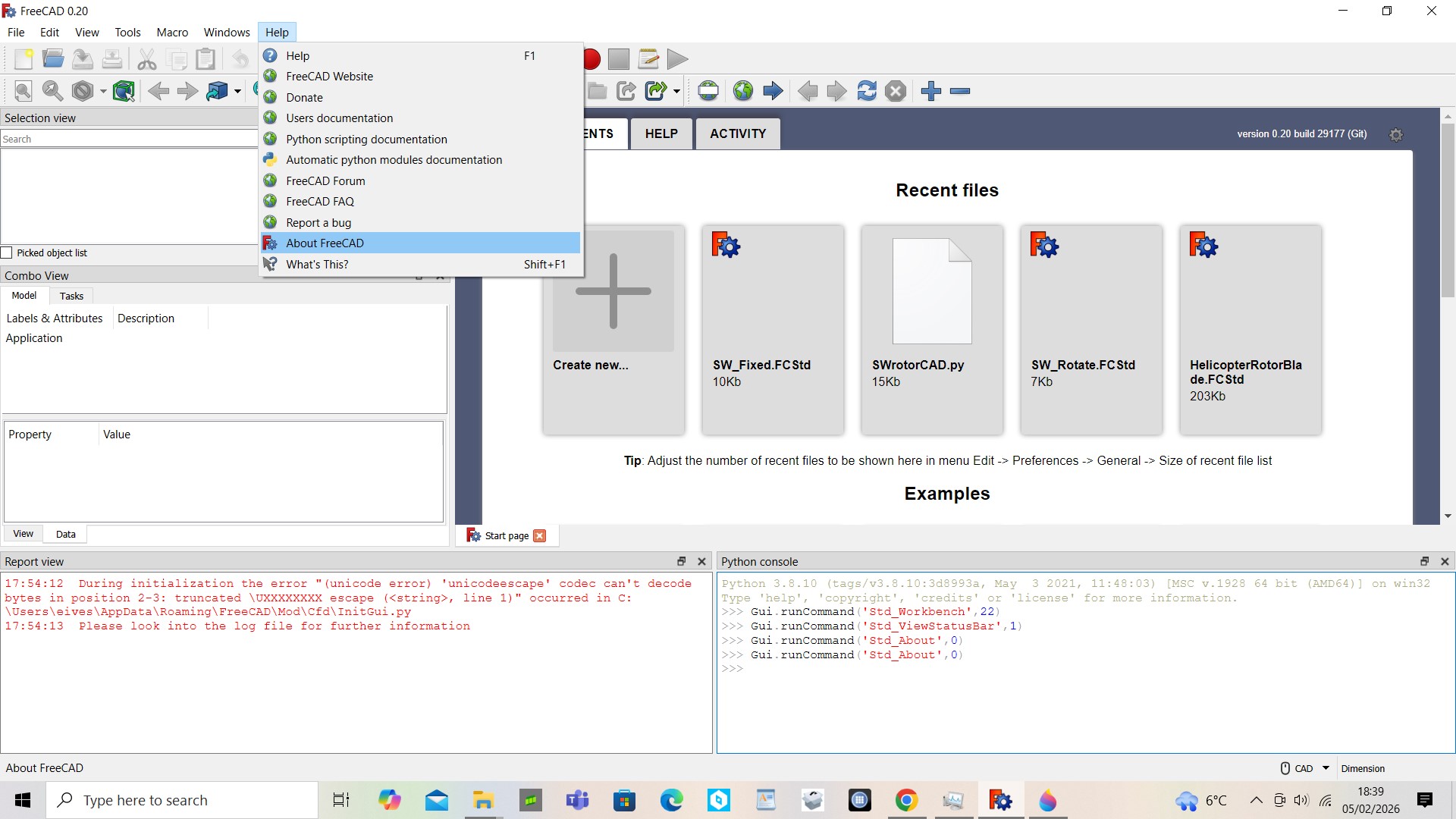
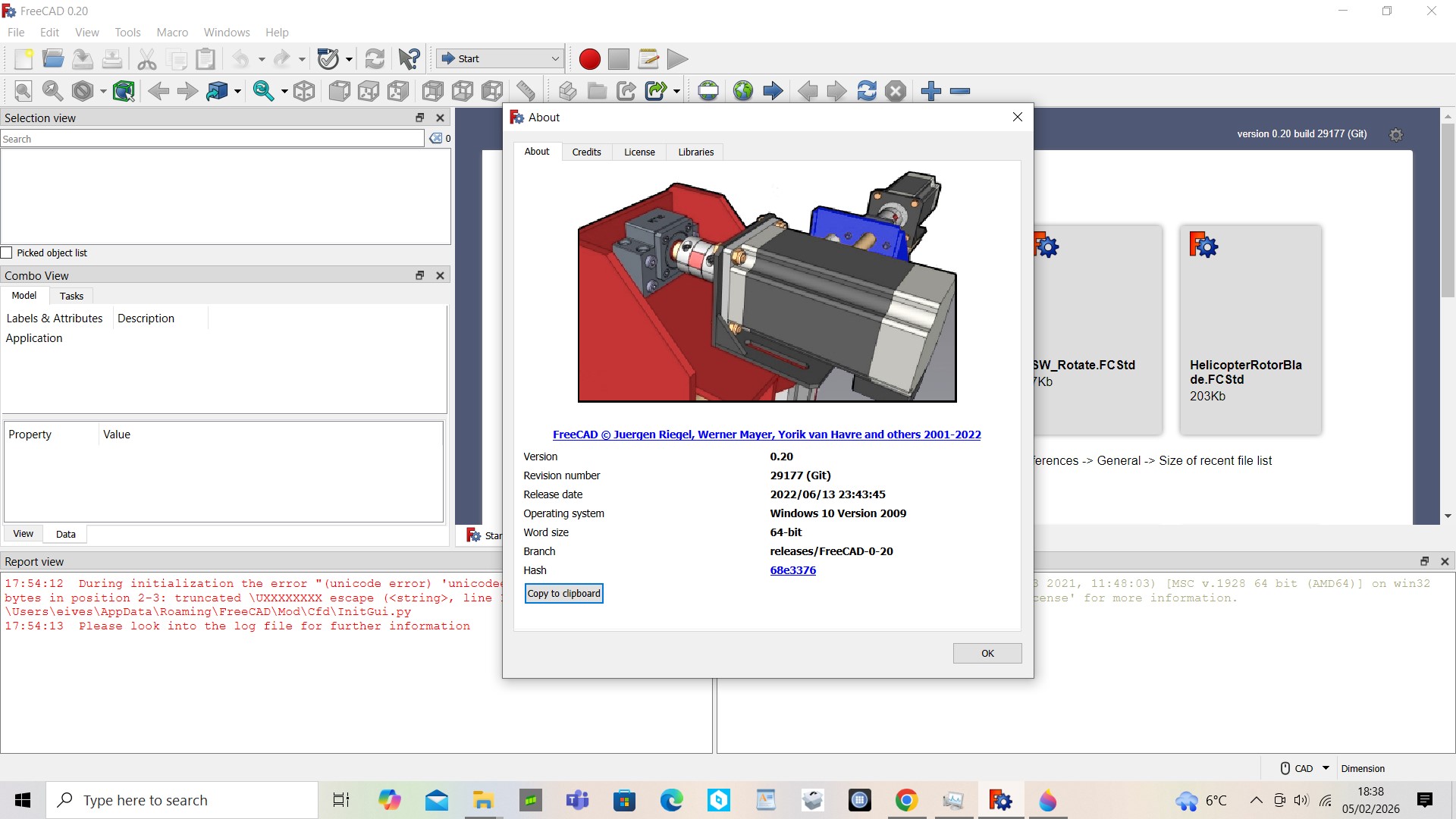
Over the coming weeks and months I hope to build a CAD model of a RC Helicopter using FreeCAD. FreeCAD as the names suggests is a free or opensource CAD software package it can be download from the official website, https://www.freecad.org/downloads.php?lang=en for the three main operating systems: Windows, Apple and Linux. I will be using the Windows version, my version of FreeCAD is slightly earlier version 0.2 whereas FreeCAD is up to version 1.0 at the time of writing. I've also introduced FreeCAD in more detail previously on a website blog, www.eiteog.com/EiteogBLOG/No60EiteogBlogFreeCAD.html .
Disclaimer: Eiteog makes every effort to provide information which is as accurate as possible. Eiteog will not be responsible for any liability, loss or risk incurred as a result of the use and application of information on its website or in its products. None of the information on Eiteog's website or in its products supersedes any information contained in documents or procedures issued by relevant aviation authorities, manufacturers, flight schools or the operators of aircraft, UAVs.
For any inquiries contact: [email protected] copyright © Eiteog 2023